Decide With the Evidence in View
One workspace for every renewal decision in your portfolio, organised around the last usable notice date—because that is the day a choice stops being available, not the renewal date. Five outcomes are open on each one: renew, extend, amend, renegotiate, exit. Each row is derived from the effective obligation, its deadline, and the governing document state, and each outcome produces the paper it implies.
One row per decision, derived from the contract—not a list you maintain
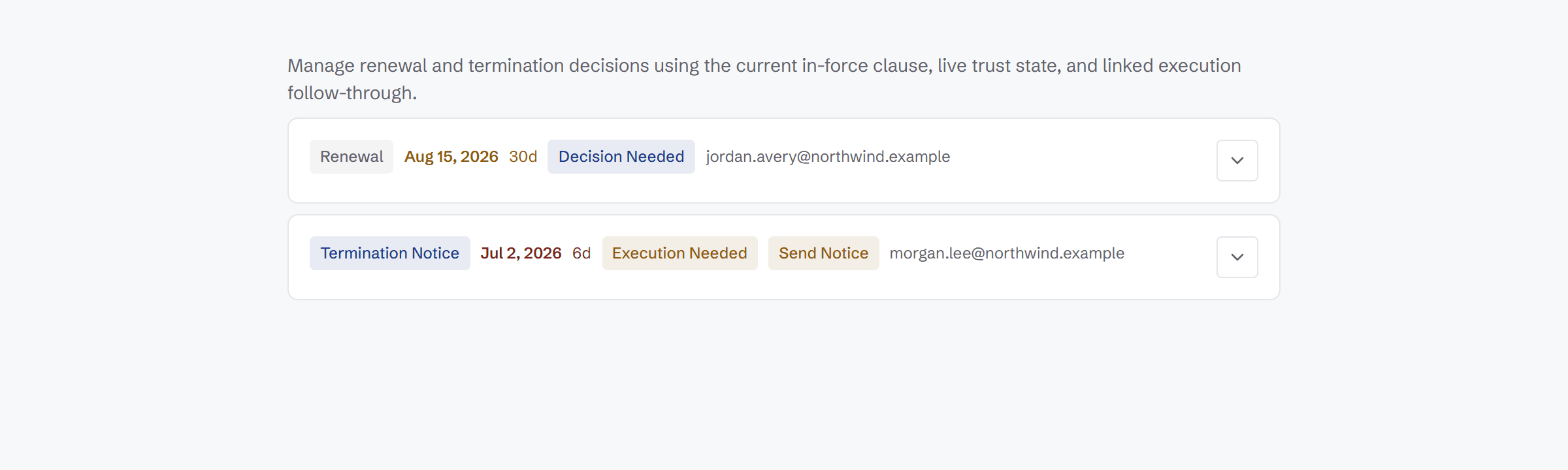
The workspace shows one row per renewal decision across the portfolio, built around the last usable notice date. Each row is assembled from the effective obligation and its deadline, the governing document state, coverage, and any pending review. Status is computed from that state, not typed in by hand.
- One row per renewal decision, portfolio-wide, keyed to the last usable notice date
- Derived from the effective obligation and its deadline
- Reflects governing document state, coverage, and pending review
- Status computed: blocked, review required, decision needed, execution needed, or completed
- No manually maintained tracker to keep in sync
Recommendations you can check, choices you can preview
Every recommendation shows its evidence. Every choice shows its consequences and what leaving would cost, summed from the clauses that impose it. And if the contract changes after you decide, the decision comes back to you.
Grounded recommendation
Each decision comes with a recommendation and a “Why this?” panel listing the evidence behind it—the clauses, dates, and states it relied on.
Five outcomes, and what each produces
See what every choice leads to before you commit. Renew holds an outbound draft. Exit produces a notice plus an approval request due at the last notice date. Extend produces a one-page extension. Amend produces a real draft in the contract family with per-clause provenance. Renegotiate produces a packet in a version for you and one for them.
Apply to many
Make the same call once and apply it across similar decisions, instead of repeating the same choice contract by contract.
Reconfirmation guard
If the effective obligation or deadline changes after you decided—an amendment lands, for example—the decision returns for reconfirmation instead of silently acting on stale terms.
Linked follow-through
Each decision syncs a linked action in the Action Center, so the chosen outcome becomes assigned, dated work.
On your Today view
“Decisions waiting on you” surfaces on the Today view, so open decisions show up where you start your day.
Check the evidence, price the choice, then decide
A recommendation without evidence is just an opinion, and an exit without a number is just a wish. ClauseMinds lists the clauses, dates, and states each recommendation relied on, shows what renewing, sending notice, or doing nothing means under the contract's terms, and sums what walking away would cost—today, and after the notice window closes.
- “Why this?” panel lists the clauses, dates, and states behind each recommendation
- Consequence preview for renewing, sending notice, or doing nothing
- Exit cost gross: termination fee, notice-period fees, and data-return duties, each line quoting its clause
- A credit the counterparty owes you is an offset line with a net beneath it, never netted into the headline
- A duty with no number attached is said to be there rather than estimated
- Decisions changed by a later amendment return for reconfirmation
- Committed decisions sync a follow-through action in the Action Center
Recommendation
Send non-renewal notice by Sep 30
Why this?
- Auto-renewal clause, §12.2 — renews for one year unless notice is sent
- Notice deadline — 90 days before the Dec 29, 2026 term end
- Governing document — Amendment 2 is the effective version
If you…
- Send notice: contract ends Dec 29, 2026. Wind-down duties in §14 apply.
- Do nothing: renews for one year at the §12.3 uplift. Next exit window: 2027.
Turn decisions into dated work
Decide with the clauses, dates, and consequences in front of you—then let each decision become an assigned, dated action your team can execute.